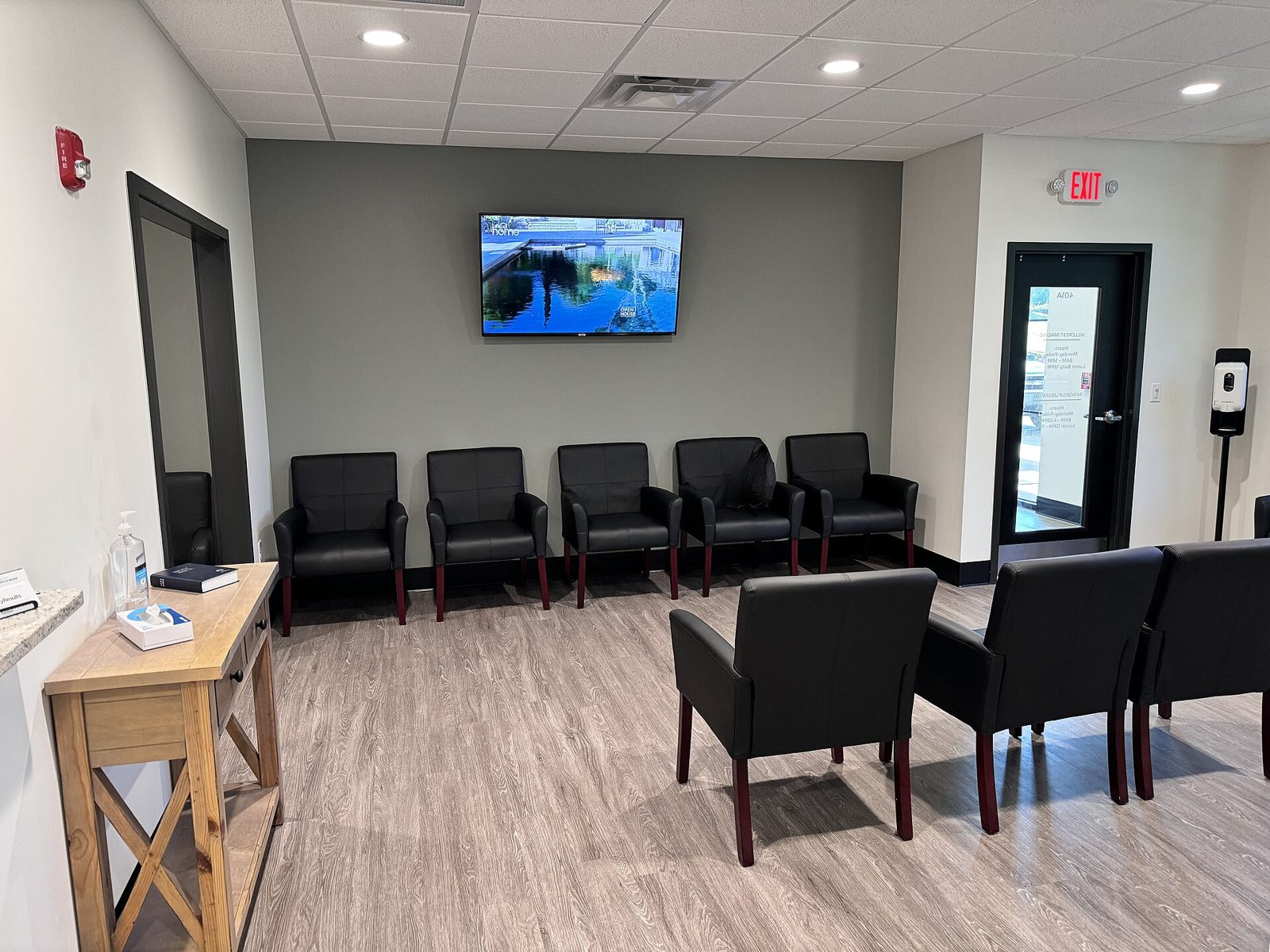
An empty office waiting room with black chairs along the walls and a television mounted above.
A waiting room. Photo: Harrison Keely, CC BY 4.0.
HousingDesk

Every walk-in,
signed in.

A bilingual iPad sign-in for your lobby. Your front desk sees who is waiting and why, and your board gets the numbers on the 1st of every month.

Start a free 60-day pilot

The line at the housing office window is older than any software. People come in about an application, a rent payment, a leak, a letter they got in the mail, and they wait.

Most offices still meet them with a clipboard. The names are hard to read, the reason for the visit is missing, and everyone who signs in can see who came before them.

At the end of the month the board asks how many people came in and why. Someone counts the sheets by hand, or nobody does.

HousingDesk replaces the clipboard with an iPad on a stand. It asks for a name and a reason, in English or Spanish, and nothing more. See it work

Try the lobby iPad

Everything you change here happens on the iPad beside it.

Visitors choose their language first.

Two large doors, English and Español. Every screen after that follows their choice, down to the confirmation.

Kiosk language

They type their name, and only their name.

No Social Security number, no birth date, no address or phone. A first name and a last name is all it keeps about a person.

Then they tell you why they came.

Application status for Section 8 or CHAMP, rent, a repair, recertification, paperwork. You choose the list for your office.

Reason for the visit

Your front desk knows right away.

The reception computer chimes and shows who came in and why, so nobody sits in the lobby unnoticed. Staff mark people helped as they go.

When the Wi-Fi drops, nobody notices.

Sign-ins are kept on the iPad and sent the moment the connection is back. The visitor still sees “You’re signed in.”

An empty office waiting room with black chairs along the walls and a television mounted above.
A waiting room. Photo: Harrison Keely, CC BY 4.0.
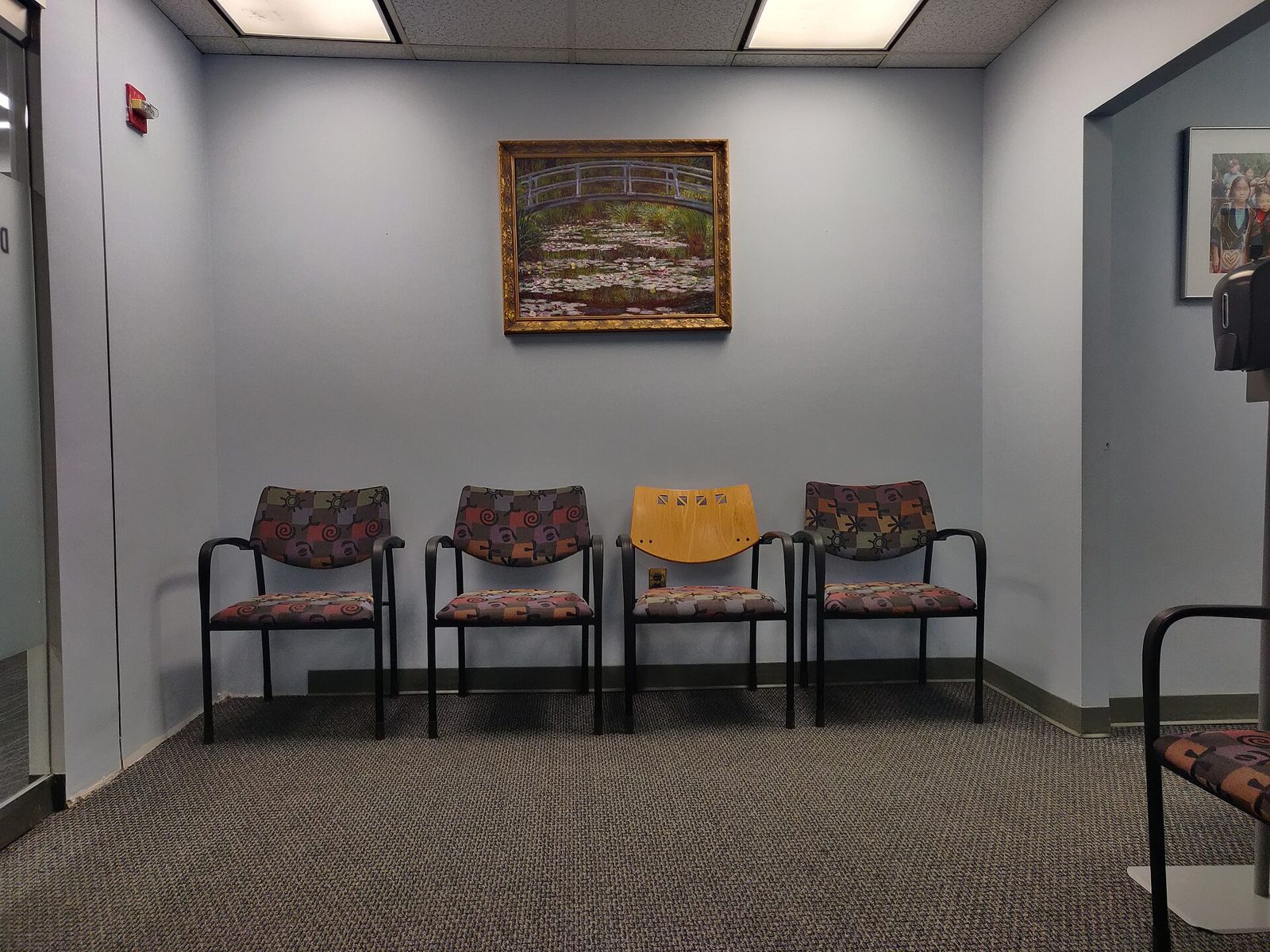
Four chairs in a row against a plain wall in a small office waiting area.
Four chairs and a wait. Photo: Kurt Kaiser, CC0.
Sample Housing Authority English

Hello, Maria.

Your nameMaria Gonzalez

What brings you in today?

Leaving? Sign out here. Sign in
Front desk 2 waiting

Today, Tuesday

  1. 9:12Luis RiveraRecertificationHelped
  2. 9:40Ana PereiraPay rentHelped
  3. 10:05Kevin TranRepair requestWaiting 14 min
  4. 10:11Grace OwensDrop off papersWaiting 8 min

Sample data

Reports HousingDesk sends you

On the 1st of every month, last month’s numbers arrive by email with the full list attached. Any other period is two clicks away.

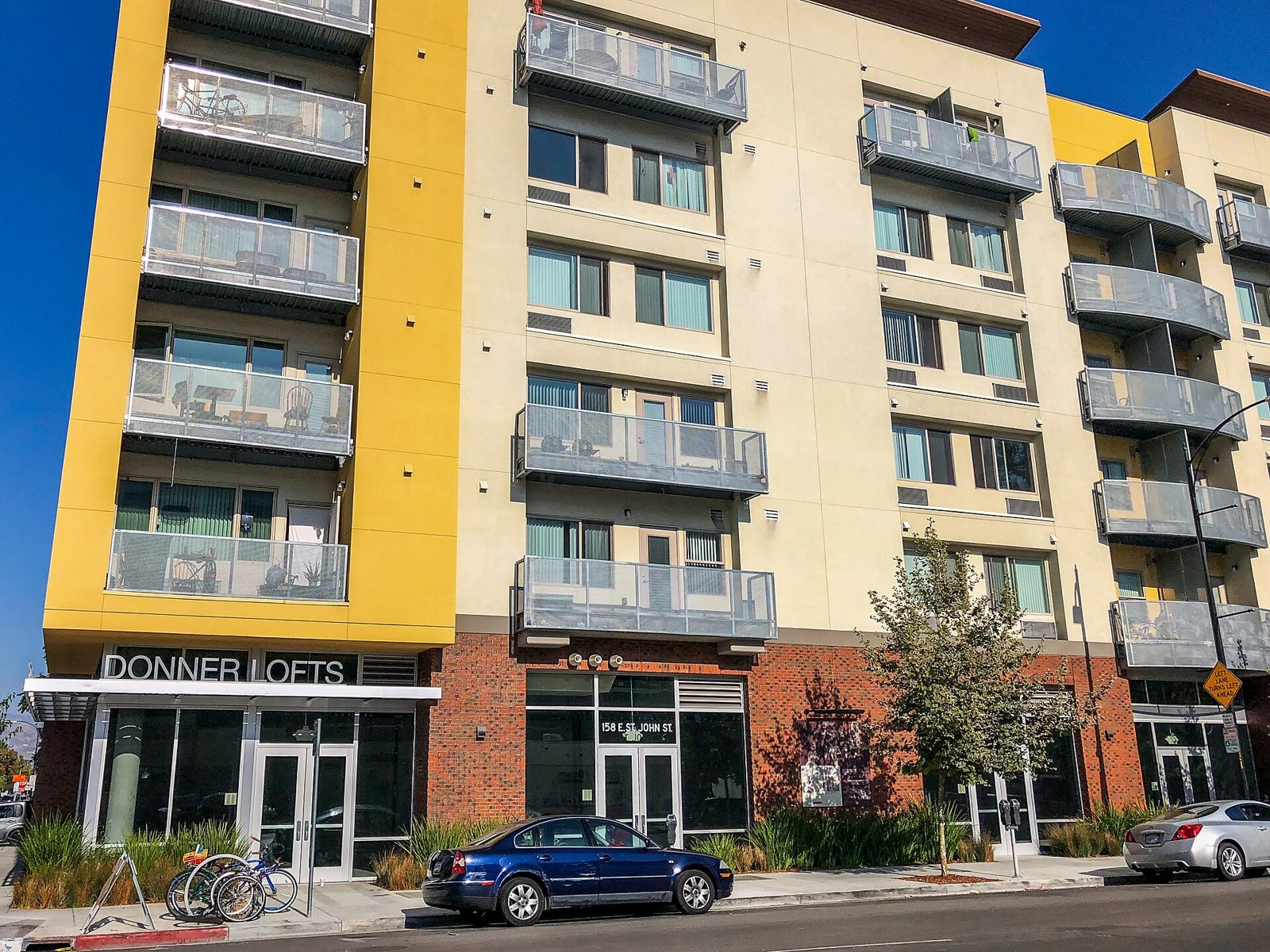
A six-story affordable apartment building with yellow panels and balconies above street-level shops.
Affordable housing in San Jose, California. Photo: Will Buckner, CC BY 2.0.

Pricing

Every plan’s first year costs less than $10,000, under the small-purchase limit in Massachusetts (Chapter 30B), so most housing authorities can buy it without a formal bid.

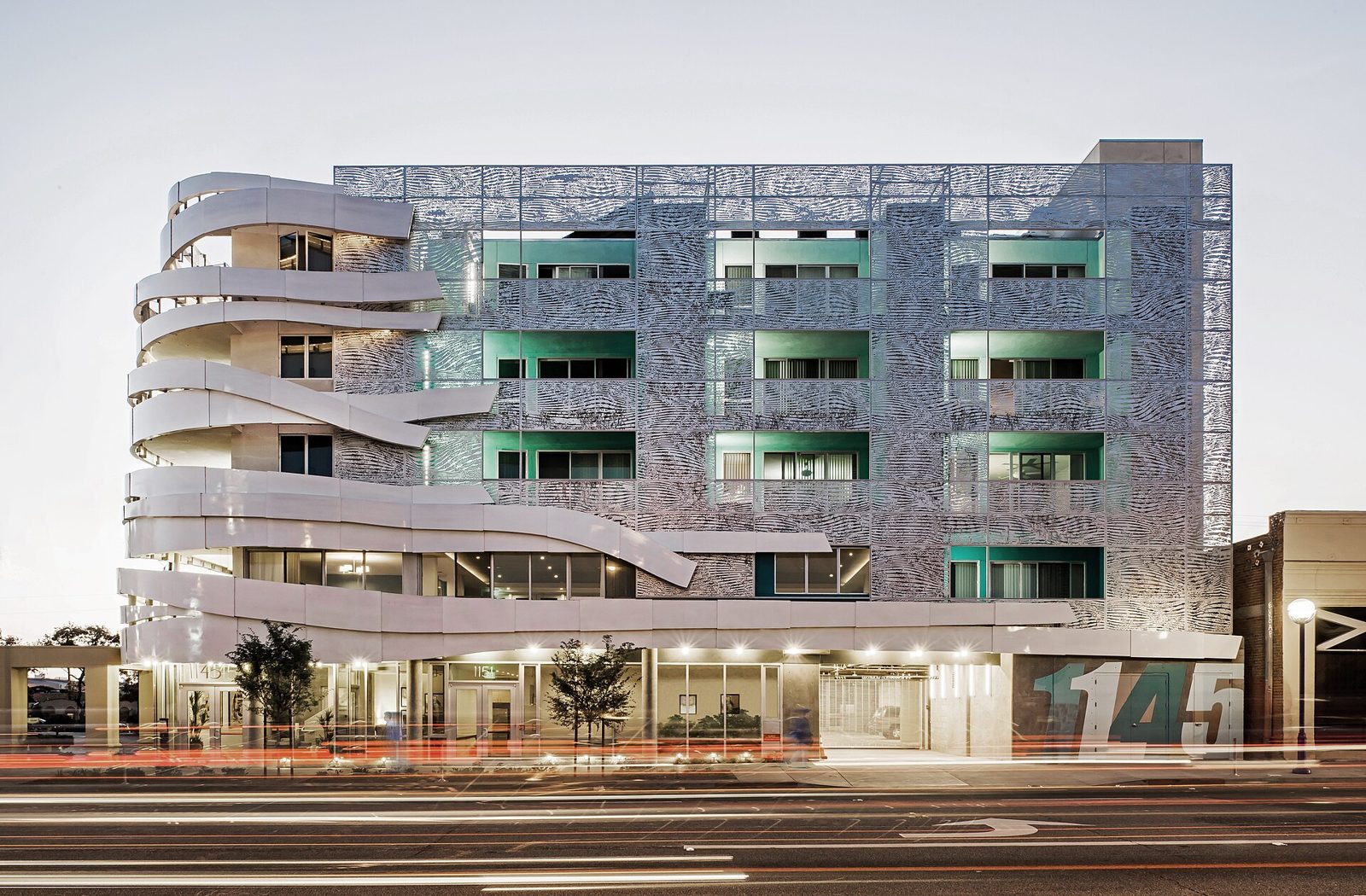
A modern apartment building with curved white balconies, lit at dusk.
Affordable housing on La Brea Avenue, Los Angeles. Photo: Art Gray, CC BY 3.0.

Questions

What do we need to buy? An iPad and a stand for the lobby. Use one you already have, or add our kiosk bundle. The front desk uses the computer it already has.

Does our IT department install anything? No. It runs in the browser, saved to the iPad’s home screen like an app. There are no servers to look after.

What does it collect about people? First and last name, the reason for the visit, the language they chose, and the time. No Social Security numbers, birth dates, addresses or phone numbers.

Who can see it? Only devices on your office’s internet connection, and staff you approve to sign in from their phones with their work email. Everyone else sees “Unauthorized.”

Can visitors see each other’s names? No. The sign-out list on the iPad shows a first name and last initial, and only for today.

What if the Wi-Fi goes down? Sign-ins are saved on the iPad and sent when the connection returns. Visitors never see an error.

Can we change the questions? Yes. The reasons, programs and buildings on the kiosk are set for your office, in English and Spanish.

What about other languages? English and Spanish are built in. If your lobby needs another language, tell us during the pilot.

How do the numbers reach our board? A summary email arrives on the 1st of every month with the spreadsheet attached. Staff can pull any other period from the dashboard.

How long does setup take? About a week. We set up your site, you place the iPad, and we train your front desk in an hour.

Is it easy to read? The kiosk uses Atkinson Hyperlegible, a typeface the Braille Institute designed for low-vision readers, with large buttons throughout.

How do we pay? One invoice a year, timed to your fiscal year. Check, ACH or purchase order.
Want to see it in your own lobby? Start a free 60-day pilot.

We’ll email you within one business day to set up a 20-minute call.

Pilot
60 days, free, in your own lobby
Setup
About a week
After the pilot
From $2,900 a year

Photographs: “A waiting room at a medical healthcare clinic” by Harrison Keely, CC BY 4.0 (source). “Doctor office waiting room” by Kurt Kaiser, CC0 (source). “Donner Lofts Affordable Housing, San Jose, California” by Will Buckner, CC BY 2.0 (source). “La Brea Affordable Housing” by Art Gray, CC BY 3.0 (source). All via Wikimedia Commons, cropped. The places pictured are not HousingDesk customers.